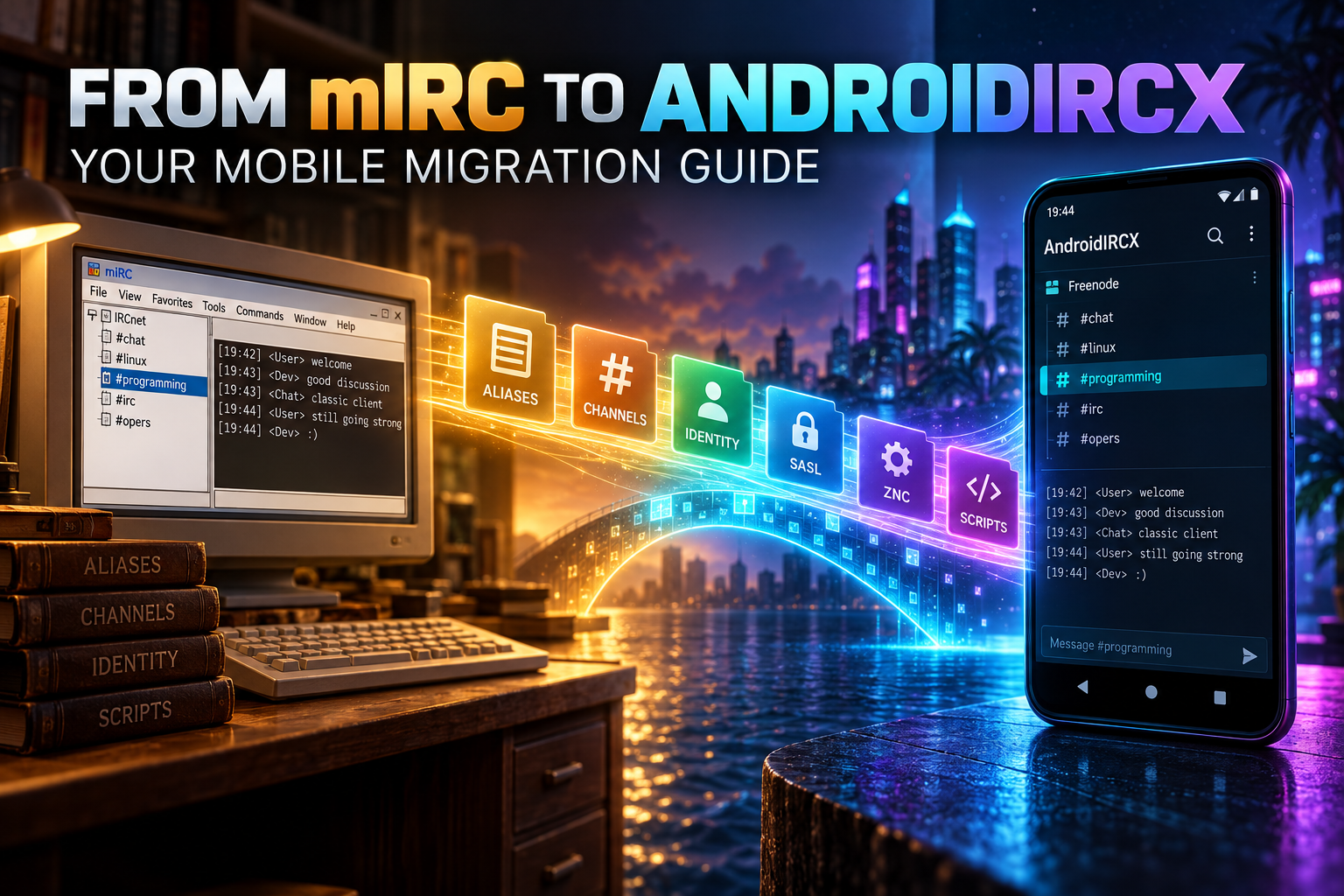
From mIRC to AndroidIRCX: A Practical Migration Guide

Move identities, networks, channels and automation from mIRC to AndroidIRCX without unsafe assumptions.
From mIRC to AndroidIRCX: A Practical Migration Guide
Moving from mIRC to AndroidIRCX is not a file conversion. The two clients run on different platforms and use different scripting languages, storage models and background assumptions. The reliable approach is to migrate identity and networks first, then rebuild convenience features one by one.
Inventory the desktop setup
Before touching the phone, record each network's hostname, TLS port, server password if any, account name, authentication method, identity, alternate nick, favorites and auto-join channels. Separately list aliases, event scripts, timers, popups, hash tables, logs, certificates, proxy settings and DLL/COM integrations.
Do not copy secrets into an unencrypted note. Use a password manager or transfer them directly into the relevant protected AndroidIRCX setting.
Rebuild identities and networks
Create an Identity Profile containing the nick, alternative nick, real name and ident. Attach it to a network, add one or more servers, prefer TLS (commonly port 6697) and leave certificate verification enabled. Server passwords are different from NickServ/SASL account passwords; place each in its correct field.
Use SASL where the network supports it. PLAIN requires verified TLS, SCRAM-SHA-256 avoids sending the password itself, and a registered client certificate activates EXTERNAL automatically. Only use post-connect NickServ identify as fallback.
Connect to one network, check WHOIS/account state, then add channels to favorites and auto-join. Repeat per network instead of importing everything into an untested configuration.
Consider a bouncer
A desktop client can stay online continuously; Android cannot guarantee uninterrupted background execution. ZNC or another bouncer preserves presence and history, while AndroidIRCX becomes the mobile interface. If mIRC already connects through a bouncer, reproduce that server, port, TLS and authentication setup rather than connecting directly to the IRC network.
Translate scripts by concept
mIRC event handlers become JavaScript hooks such as onMessage; aliases become api.registerCommand; local /echo becomes api.echo; outgoing /msg becomes api.sendMessage; timers use api.setTimer/onTimer; hash-table-like data moves to managed storage; $comchan and $mask have documented helpers.
There is no general direct import for .mrc code. DLL calls, COM automation, filesystem assumptions and Windows-only processes may have no Android equivalent. Rewrite only features with a supported API and leave unsafe or impossible integrations on a server-side bot.
Start every port in observation mode: replace sends, kicks and modes with local echoes. Lint and save disabled, test matching in a private room, then restore one outgoing action at a time. Add explicit network/channel scopes so a rule written for one community does not run everywhere.
Replace UI habits
AndroidIRCX provides custom commands with placeholders, command history, nick/message long-press actions, hardware-keyboard shortcuts, gestures, favorites and script-added menus. Recreate frequently used aliases as custom commands when no JavaScript is necessary; reserve scripts for stateful or event-driven behavior.
Copy themes and logs only where the app explicitly supports their format. AndroidIRCX message history is local and can be included in its own backup, but that does not imply native mIRC log import.
Security pass
- Revoke old API keys that were embedded in scripts.
- Move secrets to protected settings, never source code.
- Enable app/password biometric or PIN protection if appropriate.
- Review proxy/Tor settings and continue using TLS over them.
- Register a new phone-held CertFP rather than copying private keys casually.
- Enable AI only for chosen channels and review provider privacy.
- Keep automation disabled until tested.
Final cutover checklist
Verify connection, SASL account, joins, highlight notifications, background reconnect, bouncer playback and one rewritten script. Keep mIRC available during a short parallel test, but avoid running duplicate auto-responders or moderation scripts from both clients. Export an encrypted AndroidIRCX backup once the phone configuration is known good.
The Connecting, Advanced Settings and Scripting pages are the source of truth. Migration succeeds when the behavior is intentionally rebuilt—not when desktop assumptions are blindly copied to a mobile OS.
Share this post
Found this helpful? Share it with others!