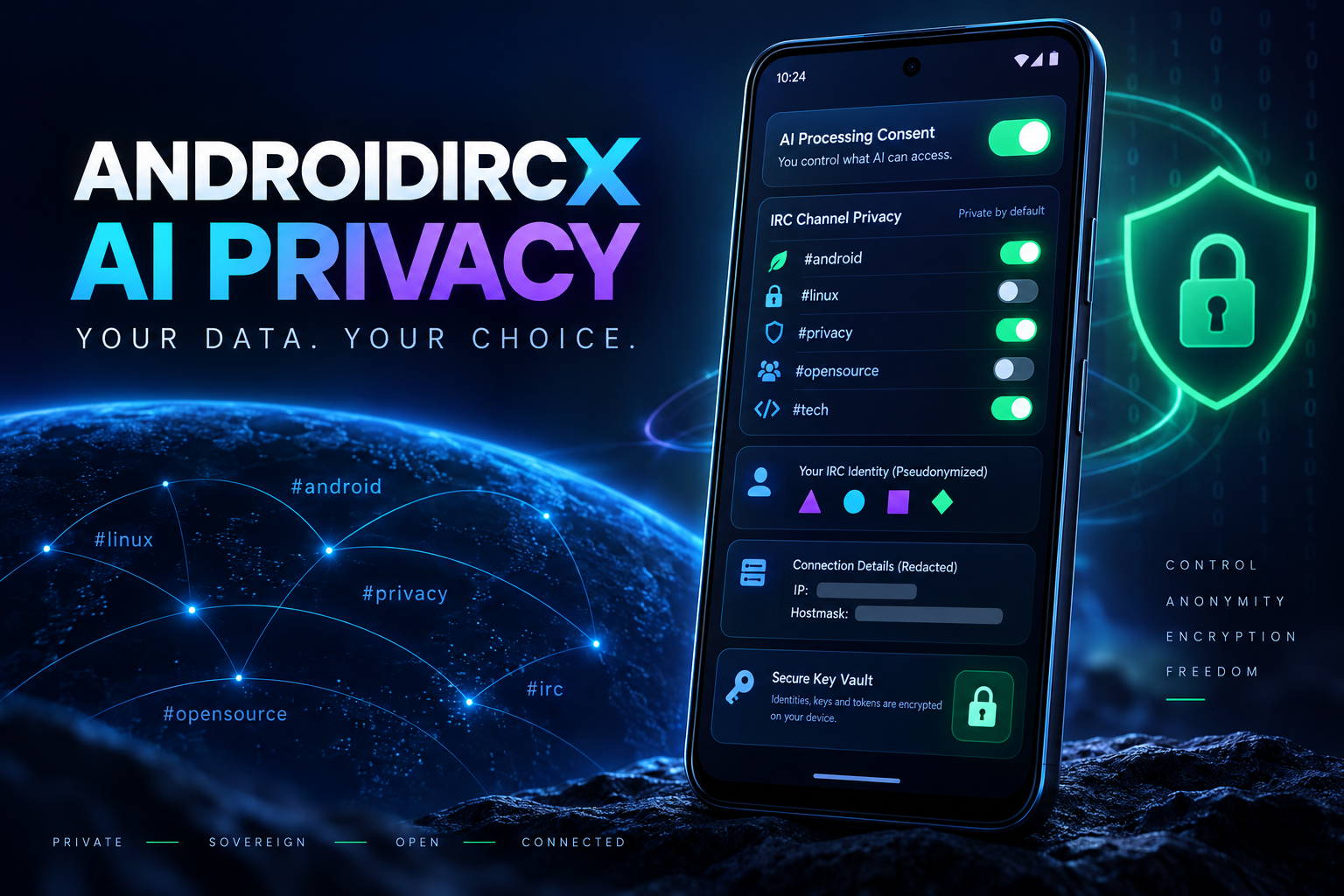
AndroidIRCX AI Privacy Guide: What You Control

Understand consent, per-channel access, redaction, local storage, memories, keys and web safeguards.
AndroidIRCX AI Privacy Guide: What Leaves the Phone and What You Control
AI can summarize an IRC room only by reading its messages. Those messages were written by other people, so AndroidIRCX treats cloud processing as an explicit privacy decision rather than silently attaching every channel to a provider.
No hidden AndroidIRCX AI proxy
AndroidIRCX ships no model and operates no AI relay. With a cloud provider, the phone talks to the provider you configured; with Ollama, LM Studio or another local compatible server, traffic stays within the network path you control. The app does not sell a separate AI subscription.
This design removes an intermediary, but it does not erase the provider's own retention, logging, jurisdiction or training policy. Review those terms before transmitting sensitive conversations.
Consent and per-channel permission
A cloud provider cannot run until you accept the plain-language processing consent. Withdrawing consent affects the next call. Local providers skip cloud consent because data is not sent to a third-party provider.
Consent alone does not open every room. AI is off per channel until that channel is opted in under Settings > AI > Privacy or through the channel tab's long-press AI item. Allowed channels that you later leave remain visible so an old grant cannot disappear from view while remaining active.
Script generation is different: it sends your instruction and code, not channel history. /ai and /summarize read channel content and therefore require channel permission.
Identifying-data removal
Remove identifying data is enabled by default. Within a request, nicks become consistent placeholders such as user1 and user2, preserving conversational relationships without revealing names. IP addresses, nick!user@host hostmasks and email addresses are stripped.
Nickname pseudonymization is automatically disabled while the assistant uses IRC tools because a command aimed at user3 would target nobody. Hostmask, IP and email removal continues. Redaction reduces exposure; it cannot remove facts somebody typed in ordinary prose, so still choose channels carefully.
Keys, conversations and memory
Provider API keys live in the Android device Keychain and are deliberately excluded from backup exports. Conversations remain on the phone and survive closing the screen/app; switching AI off does not delete them. The 20 most recent conversations are retained, with older ones falling away, and Delete all conversations removes them when requested.
Assistant memory is stored as visible, discrete notes. You can inspect and forget one entry, forget everything or disable memory. Up to 100 notes may be kept, and only the recent notes that fit are sent with a request. Remembered notes are sent to the configured provider when used, so never ask the assistant to remember a secret you would not transmit.
Web-reading safeguards
The assistant can read AndroidIRCX's built-in documentation hosts. Other websites require allow-once or remembered-host approval. Private and local addresses—loopback, RFC1918 ranges, link-local and .local—remain blocked even if requested. Redirect destinations are checked again, and fetched pages are treated as untrusted data rather than instructions. One page is fetched per request without automatically following its links.
These protections reduce server-side request forgery and prompt injection. They do not turn arbitrary web content into trusted advice; review important results against primary documentation.
Safer operating pattern
- Prefer a local model for confidential rooms.
- For cloud AI, enable only the specific channels needed.
- Keep identifying-data removal on.
- Use
/aior localapi.echooutput for drafts. - Read a result before
/aisendor any real IRC action. - Review stored conversations, memories and allowed sites periodically.
- Set provider spending/usage alerts.
- Use the master Enable AI switch to stop all AI calls immediately.
- Revoke a leaked key at the provider, not merely in the app.
Channel text and webpages can contain instructions aimed at the model. A safe script labels them as untrusted data, bounds the amount read and never automatically converts generated text into messages, modes, kicks or credential commands. AndroidIRCX separates proposed output from sending precisely because prompt injection cannot be solved by a clever sentence alone.
For the current controls, limits and exact behavior, read the official AndroidIRCX AI documentation. Privacy here is not one switch: it is the combined effect of provider choice, consent, channel scope, redaction, local review and deletion controls.
Share this post
Found this helpful? Share it with others!