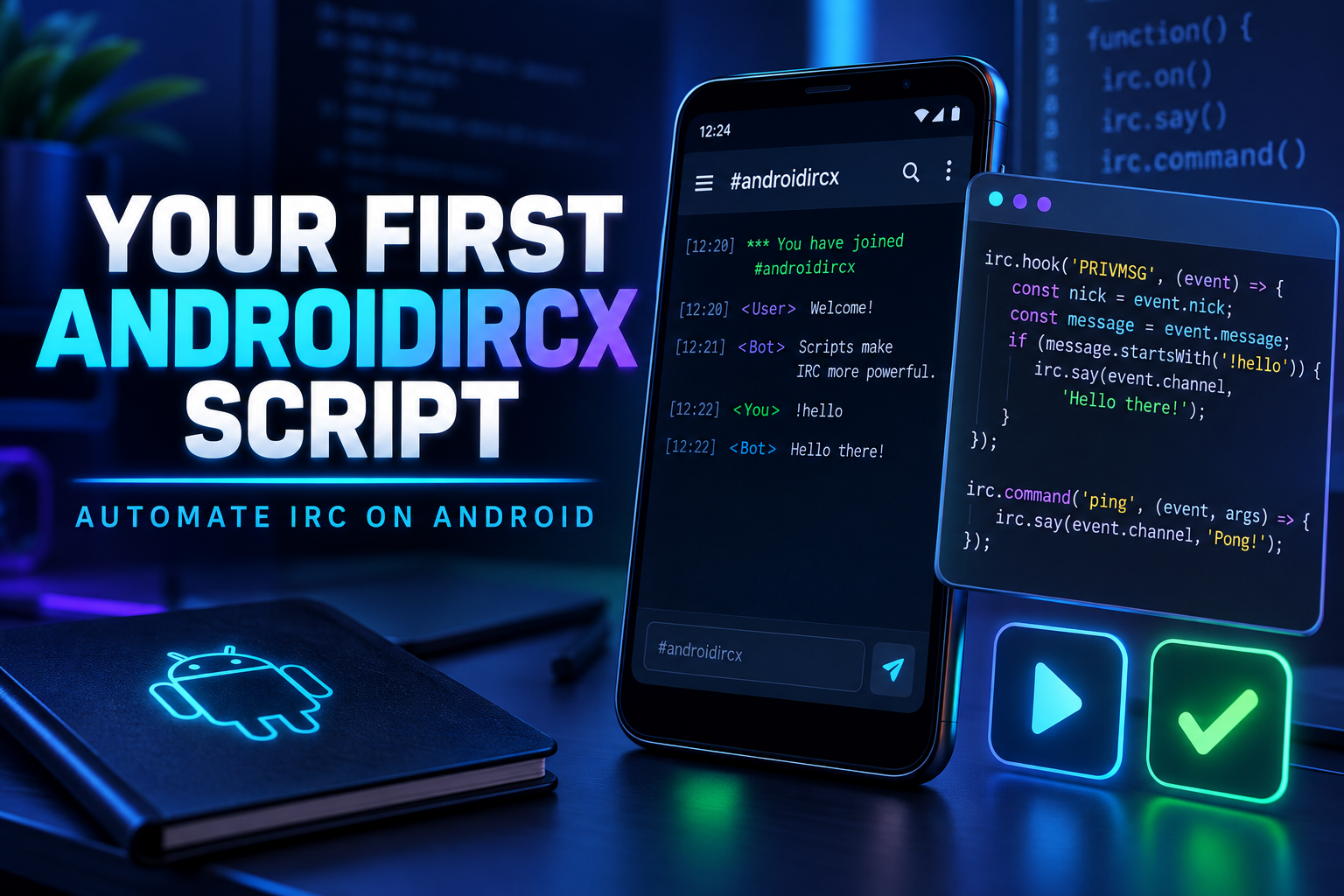
How to Write Your First AndroidIRCX Script

Build your first AndroidIRCX JavaScript automation with custom commands, event hooks, storage, cached IRC knowledge and safe AI-assisted workflows.
How to Write Your First AndroidIRCX Script
AndroidIRCX includes a JavaScript scripting engine for users who want to automate IRC directly from an Android device. A script can react to messages and channel events, register slash commands, use timers, read cached IRC state and call carefully controlled app functions.
This guide builds a small, useful script without assuming previous Android development experience.
Keep the complete AndroidIRCX Scripting API open while experimenting.
Open the script editor
Go to:
Settings > Scripting & Ads > Scripts (Scripting Time & No-Ads)
Create a script and give it a simple id, name and description. Scripts start disabled. Saving code does not automatically let it act on live IRC traffic.
AndroidIRCX scripts are CommonJS-style JavaScript modules. They export hooks that the app invokes when something happens.
module.exports = {
  onMessage: msg => {
    api.log(msg.from + ': ' + msg.text);
  },
};
Use Lint before saving. Open Script Logs to inspect api.log() output and errors.
Build a safe /hello command
Custom commands are registered at the top level, not inside an event hook:
api.registerCommand(
  'hello',
  (args, ctx) => {
    const name = args[0] || 'everyone';

    if (!ctx.channel) {
      api.echo(null, 'Open a channel before using /hello.');
      return;
    }

    api.sendMessage(ctx.channel, 'Hello, ' + name + '!', ctx.networkId);
  },
  'Says hello to a nick'
);

module.exports = {};
Save, enable the script and type:
/hello Alice
The description appears in command autocomplete. AndroidIRCX removes the command automatically when the script is disabled, deleted or recompiled.
Local output versus IRC traffic
These three functions look similar but do different jobs:
api.echo(target, text)writes into an AndroidIRCX tab and is visible only to you.api.log(text)writes to Script Logs for debugging.api.sendMessage(target, text)sends real IRC traffic.
Prefer echo for private status messages. Do not use sendNotice as a substitute for local output: NOTICE is real network traffic and may be throttled.
React to a highlight
module.exports = {
  onHighlight: msg => {
    api.playSound('mention');
    api.echo(msg.channel, 'Highlight from ' + msg.from + ': ' + msg.text);
  },
};
playSound follows your sound settings and is limited to once per second. You can also add a named sound under Settings > Sounds > Custom Sounds and call it by name.
Remember something between sessions
Per-script storage lets a script preserve small values:
api.registerCommand('seenhere', async (args, ctx) => {
  const nick = args[0];
  if (!nick) {
    api.echo(ctx.channel, 'Usage: /seenhere <nick>');
    return;
  }

  const when = await api.getStorage('seen:' + nick.toLowerCase());
  api.echo(
    ctx.channel,
    when ? nick + ' was seen at ' + new Date(when).toLocaleString()
         : 'No local record for ' + nick
  );
});

module.exports = {
  onMessage: async msg => {
    await api.setStorage('seen:' + msg.from.toLowerCase(), Date.now());
  },
};
Each script has its own namespace. listStorage(prefix) and clearStorage(prefix) let you inspect and clean keys instead of maintaining a separate index.
For richer data, use api.store.table(name), which supports TTL values, atomic increments, compare-and-set and batches.
Use cached IRC knowledge
Avoid sending WHOIS every time somebody speaks. AndroidIRCX already keeps identity and channel information learned from IRC:
const user = api.users.get('Alice');
if (user && user.account) {
  api.echo('#chat', 'Verified account: ' + user.account);
}
Use accounts or CertFP-derived trust for privileged automation. A nickname alone is not an identity; another person can claim it after its owner disconnects.
Related APIs include api.users.find, api.users.onChannel, api.channelState.get, api.channelState.getList and api.server.token.
Ask the user before a risky action
api.registerCommand('leavehere', async (args, ctx) => {
  if (!ctx.channel) return;

  const approved = await api.confirm('Leave ' + ctx.channel + '?');
  if (approved) api.part(ctx.channel, 'Leaving by script');
});

module.exports = {};
Dismissed confirmations resolve to false. api.ask(question, choices) can present up to three choices and returns null when dismissed.
Add AI only after the normal script works
With an AI provider configured:
api.registerCommand('explain', async (args, ctx) => {
  const question = args.join(' ');
  if (!question) return;

  const answer = await api.ai.ask(question, {
    system: 'Answer in one short plain-text paragraph.',
    maxTokens: 200,
  });

  if (answer) api.setInput(answer.substring(0, 400));
});

module.exports = {};
setInput places the answer in the composer without sending it. This is safer than publishing model output automatically.
When a prompt contains channel text, pass its channel and network in the AI options. AndroidIRCX will then enforce the user's per-channel AI permission before transmitting anything.
Rules for reliable scripts
- Ignore your own messages in auto-reply hooks to prevent loops.
- Strip IRC formatting before matching text with
api.strip(). - Use action helpers such as
api.opandapi.kickinstead of building raw commands. - Clear timers when they are no longer needed.
- Do not block hooks with large synchronous loops.
- Handle returned
{ ok: false, reason }results; revoked permission and full quota are normal states. - Keep scripts disabled until they pass lint and you understand every send path.
- Treat code copied from another person like any other program you downloaded.
Use the built-in editor tools
Autocomplete appears when you type api. and shows signatures and descriptions. Syntax highlighting knows AndroidIRCX hooks and API names. The AI button can create a new script or modify the current one, but generated code is only a draft: it is shown for review and never enabled automatically.
Start small. A clear /command that saves you three taps is already a good script. Once that is reliable, add hooks, state, UI or AI one piece at a time.
Related links
Share this post
Found this helpful? Share it with others!