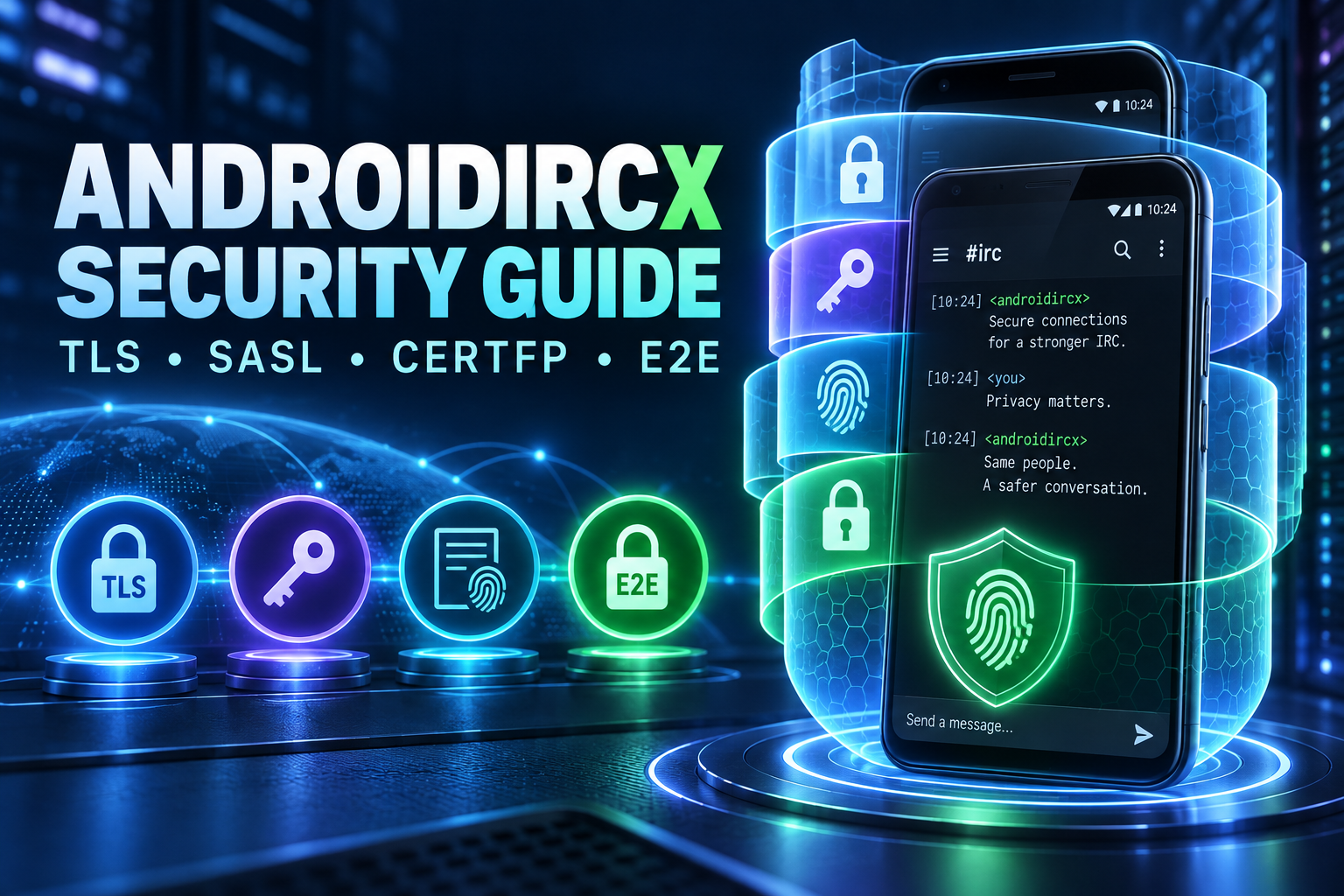
AndroidIRCX Security Guide: TLS, SASL, CertFP, E2E and App Lock

Understand what every AndroidIRCX security layer protects, from TLS and SASL authentication to client certificates, end-to-end encryption and local app locking.
AndroidIRCX Security Guide: TLS, SASL, CertFP, E2E and App Lock
AndroidIRCX includes several security features, but they protect different parts of an IRC session. TLS is not end-to-end encryption, SASL is not an app lock, and a client certificate is not the same thing as message encryption.
Understanding those boundaries is more useful than simply turning on every switch.
See the official Security and Encryption and SASL EXTERNAL Certificates guides.
The security layers at a glance
| Layer | Protects | Does not protect |
|---|---|---|
| TLS | Traffic between your device and IRC server | Message content from the IRC server itself |
| SASL | Login to an IRC account during connection | The content of conversations |
| CertFP / SASL EXTERNAL | Passwordless account authentication with a client certificate | Messages from recipients or a compromised endpoint |
| AndroidIRCX E2E | Selected message content between trusted participants | Metadata, compromised devices or an untrusted ZNC inside the trust boundary |
| PIN / biometrics | Local access to the AndroidIRCX app | Data after the phone is already unlocked and compromised |
| Secure storage | Stored passwords, keys and secrets | Secrets deliberately exported or copied elsewhere |
These layers complement one another. They are not interchangeable.
TLS protects the route to the server
Use an ircs:// connection or the network's TLS port, commonly 6697, with certificate verification enabled.
TLS encrypts the connection between AndroidIRCX and the IRC server. Someone monitoring the local Wi-Fi cannot casually read the IRC protocol stream or steal a password from it.
The IRC server still receives plaintext IRC messages so it can route them. Server operators, logs or a compromised server remain inside that trust boundary. Use E2E when the server itself must not see selected content.
Never ignore a certificate warning without understanding why it appeared. A hostname mismatch or untrusted certificate may be a server configuration problem, but accepting it blindly removes the protection TLS is supposed to provide.
SASL authenticates before registration finishes
Traditional NickServ identification happens after the IRC connection is registered:
/msg NickServ IDENTIFY password
SASL authenticates during capability negotiation, before normal registration completes. This helps with protected nicknames and networks that require an identified account.
AndroidIRCX supports:
- SASL PLAIN over TLS
- SCRAM-SHA-256 challenge-response authentication
- SASL EXTERNAL with a TLS client certificate
PLAIN is appropriately named: the credentials are encoded, not independently encrypted. Use it only inside a verified TLS connection.
SCRAM-SHA-256 avoids sending the password directly and proves knowledge of it through a challenge-response exchange.
CertFP and SASL EXTERNAL
CertFP uses the fingerprint of a TLS client certificate as an account credential. The private key stays on the device, and the IRC network matches the presented certificate to the fingerprint registered with NickServ.
The usual setup is:
- Generate or import a client certificate in AndroidIRCX.
- Copy its SHA-256 fingerprint.
- Identify to NickServ through an existing trusted method.
- Add the fingerprint using the network's NickServ
CERTcommand. - Select SASL EXTERNAL for that network.
- Reconnect and confirm the account is identified.
NickServ syntax varies by services package and network policy. Consult that network's help rather than assuming every server uses the same command.
Protect the private key. Anyone with it may be able to authenticate as the linked account until the fingerprint is removed.
End-to-end encrypted IRC
AndroidIRCX E2E encrypts message content before IRC transports it. The server routes an encrypted payload rather than the original text.
The ecosystem uses modern cryptographic primitives including XChaCha20-Poly1305 and authenticated key exchange. Keys must be shared and verified with trusted participants.
E2E does not hide everything. The IRC network can still observe connection metadata, channels, nicknames, timing and encrypted payload sizes. A compromised recipient device can read messages after decryption.
When ZNC performs encryption or decryption through a module, ZNC is inside the trust boundary. Use a ZNC host you trust and TLS between the IRC client and ZNC.
Verify keys, do not only exchange them
Receiving a key proves that somebody sent a key, not necessarily that it belongs to the person you intended. Compare fingerprints through a second trusted channel, scan a QR code in person, use NFC or exchange a verification file securely.
Treat an unexpected key change as a security event. It may be a legitimate reinstall, but verify it before trusting new encrypted messages.
Protect the app locally
AndroidIRCX supports PIN and biometric locking. This protects against somebody casually opening the IRC client while holding an unlocked phone.
Use a strong device screen lock as the first line of defense. Biometrics and the in-app lock supplement Android's device encryption; they do not replace it.
The kill switch can disconnect sessions and, depending on its configuration, clear sensitive local state. Review its behavior before you need it.
Secure storage and backups
Passwords, private keys and AI provider keys belong in platform secure storage rather than ordinary preferences.
AndroidIRCX deliberately excludes AI provider keys and script/add-on secrets from backup exports. Backups are frequently copied to cloud drives or sent between devices, making them a poor place for revocable billing credentials.
Protect backup files anyway. They may still contain network configuration, history, preferences or other private information.
Proxies and Tor
A proxy changes the network path and visible source address. It does not provide message encryption by itself.
Continue using TLS through SOCKS5, HTTP CONNECT or Tor. Otherwise the proxy may see plaintext IRC traffic. Tor also does not replace SASL or E2E; it solves a different problem.
A recommended secure baseline
- Keep AndroidIRCX and Android updated.
- Use TLS with certificate verification.
- Prefer SASL during connection rather than post-connect NickServ identification.
- Use SCRAM-SHA-256 or EXTERNAL where the network supports it.
- Enable a strong phone lock and AndroidIRCX app lock.
- Verify E2E fingerprints out of band.
- Use trusted ZNC hosting and TLS to the bouncer.
- Review exported backups and never publish them.
- Keep AI and scripting permissions limited to the channels and functions required.
- Remove old CertFP entries and revoke lost credentials promptly.
Security is strongest when each layer has one clear job. TLS protects the path, SASL proves the account, CertFP replaces a reusable password, E2E protects selected content, and the app lock protects the local interface.
Related links
Share this post
Found this helpful? Share it with others!