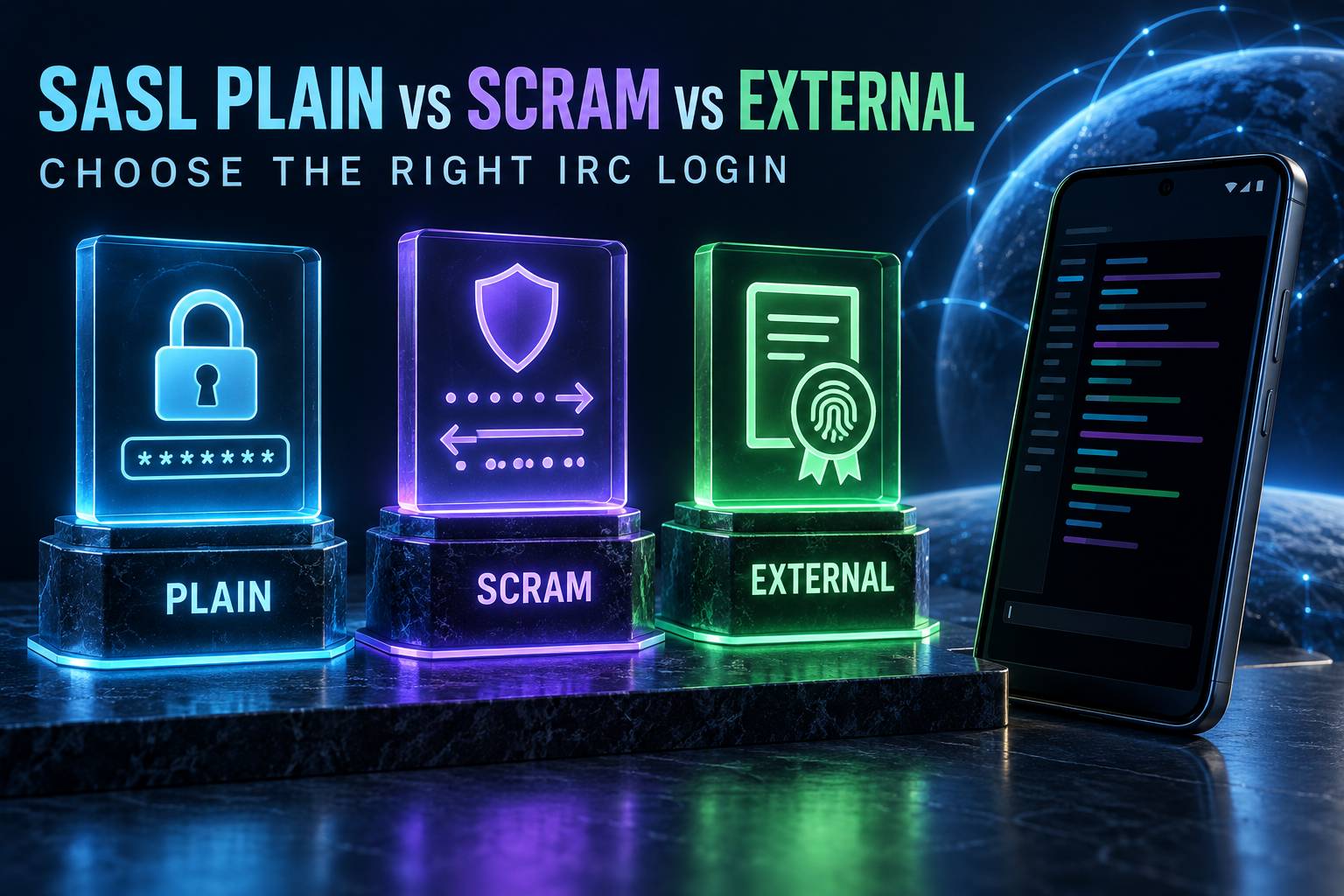
SASL PLAIN vs SCRAM-SHA-256 vs EXTERNAL in AndroidIRCX

A practical comparison of password, challenge-response and certificate-based IRC authentication.
SASL PLAIN vs SCRAM-SHA-256 vs EXTERNAL in AndroidIRCX
SASL authenticates an IRC account during connection, before normal registration finishes. That avoids the race where a client connects under an unprotected nick and identifies to NickServ afterward. AndroidIRCX negotiates SASL only when the server advertises it, then falls back sensibly when it is unavailable.
PLAIN
PLAIN sends an authorization identity, account name and password in a base64-encoded payload. Base64 is encoding, not encryption, so PLAIN should be used only inside a verified TLS connection. Its advantages are compatibility and simple setup: choose PLAIN in Network Settings > SASL Authentication, enter the account and password, save and reconnect.
PLAIN is reasonable when the network supports TLS but not stronger mechanisms. Never test it over an unencrypted public connection, and do not paste the encoded payload into support logs.
SCRAM-SHA-256
SCRAM uses a challenge-response exchange. The password itself is not sent to the server, and the exchange includes proof derived from the password, salts and nonces. In AndroidIRCX select SCRAM-SHA-256, provide the account and password, and reconnect. The server must advertise the mechanism and have compatible account data.
The mechanism selector also includes SCRAM-SHA-256-PLUS where applicable. The -PLUS form adds channel binding to the TLS connection, but it requires support across the client/server path. If negotiation fails, inspect the server's advertised mechanisms rather than assuming all networks implement the same list.
EXTERNAL and CertFP
EXTERNAL proves identity with the X.509 client certificate used for TLS. The IRC services account stores the certificate's fingerprint, so no account password is exchanged during SASL.
In AndroidIRCX, EXTERNAL is not selected from the PLAIN/SCRAM mechanism menu. Open the network's SASL EXTERNAL (Client Certificate) section, generate or select a certificate, view its fingerprint and register that fingerprint while already identified:
/msg NickServ CERT ADD <fingerprint>
AndroidIRCX also provides /certadd for the usual NickServ flow. Save and reconnect; a configured certificate makes the app try EXTERNAL automatically and before password-based SASL. Keep the private key protected and replace the registered fingerprint when the certificate expires or is regenerated.
Comparison
| Mechanism | Credential on the wire | Main strength | Main requirement |
|---|---|---|---|
| PLAIN | Password inside TLS-protected SASL payload | Broad compatibility | Verified TLS is essential |
| SCRAM-SHA-256 | Challenge-response proof | Password is not transmitted | Server mechanism support |
| EXTERNAL | Certificate proof | Passwordless automatic login | Client certificate and registered fingerprint |
“Most secure” still depends on operational reality. A carefully protected certificate is excellent, but losing its private key requires revocation. SCRAM is a strong password choice when supported. PLAIN over correctly verified TLS can be safer than a mismanaged certificate or disabling certificate verification.
Connection order and fallback
AndroidIRCX first uses EXTERNAL if a client certificate is configured. Otherwise it uses the configured PLAIN/SCRAM account. NickServ IDENTIFY runs after connection only as a fallback and is skipped if SASL already authenticated. Network-specific Q or X login may follow where detected.
Troubleshooting
Numeric 903 means SASL succeeded; 904 means authentication failed, while 905, 906 and 907 cover oversized, aborted or already-completed exchanges. Check the account name—not necessarily the current nick—the password, verified TLS, advertised mechanism and email/account requirements. For EXTERNAL, confirm the exact fingerprint is registered and the certificate has not expired.
Use IRCv3 Info and connection diagnostics rather than enabling unsafe logging. Never include passwords, private keys or full AUTHENTICATE payloads in a bug report. The authoritative app procedure is the AndroidIRCX certificate guide; protocol details are defined by IRCv3 SASL.
Share this post
Found this helpful? Share it with others!